Capes and cosmetics everyone can see
Animated capes, 3D hats, wings, backpacks and more. Wear them in the launcher and in game, and every Native player sees them.
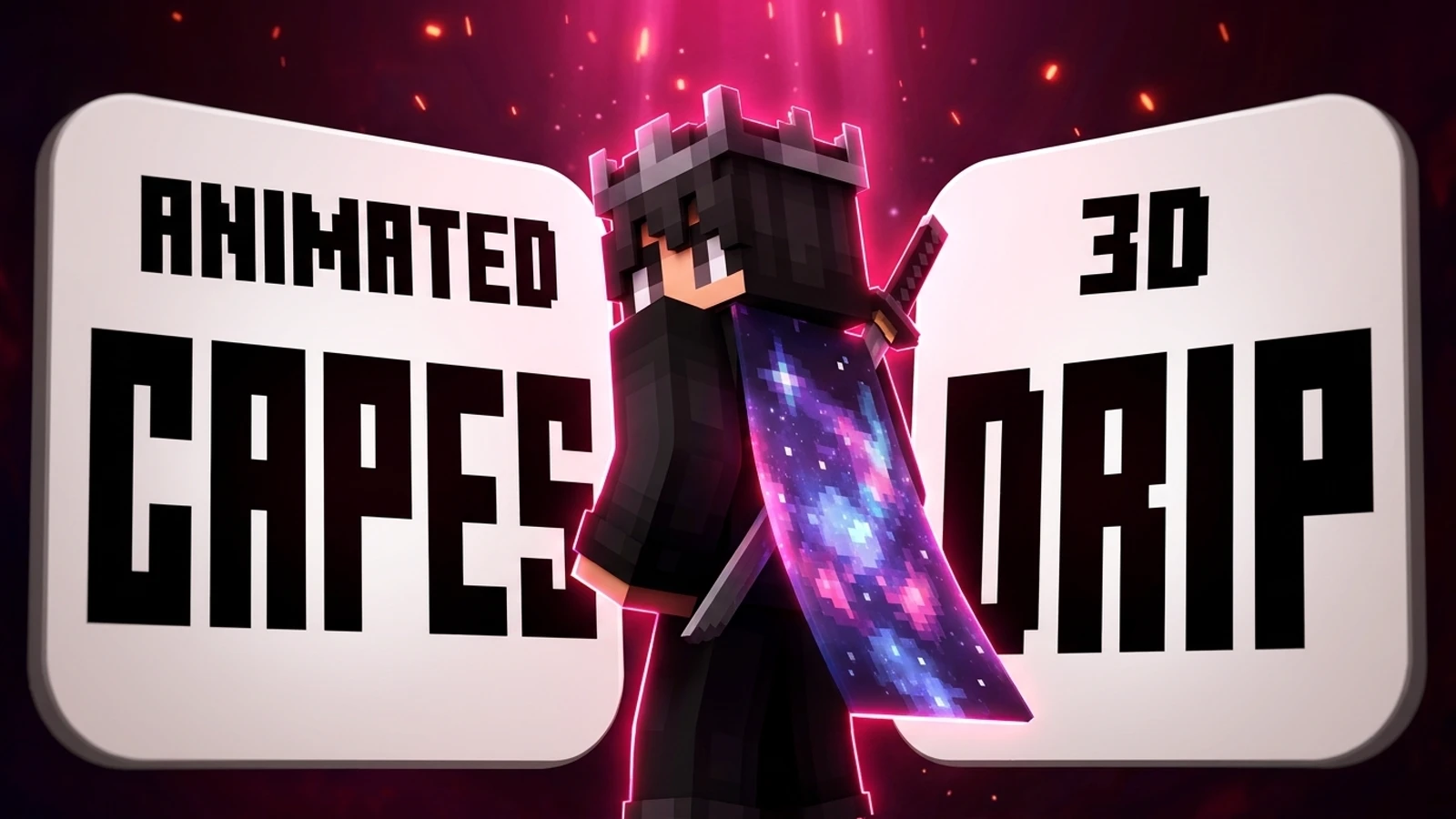
Your look on Native isn’t just for you. Capes and cosmetics you wear show up for every other Native player, in the launcher and in game.
Animated capes
Native capes move. Pixel-art animations, from a koi pond to a neon city skyline, play on your back in game. Pick one in your Locker and it’s on.
3D cosmetics
Hats, glasses, masks, wings, backpacks, tails and held items, built in 3D. Many of them can be dyed any colour you like, and some go on your left or right side.
Your Locker
The Locker is where you put it all together:
- Upload or switch skins (classic or slim arms).
- Choose a cape, including your official Minecraft capes if you sign in with Microsoft.
- Equip cosmetics and dye them, then see the result on your own 3D character.
Changes sync to your Native account, so your look follows you to any PC and to the website.
Where to get them
Free capes are yours as soon as you have a Native account. Paid capes and cosmetics are in the Store, and you can earn Coins for the time you play and spend them there too. Native+ members get every paid cape and cosmetic while their pass lasts.
See it in game
The Native mod shows capes and cosmetics in game. Other Native players see yours, and you see theirs.