Minecraft Rust Edition is here: Minecraft rebuilt in Rust, free in Native Client
Minecraft Java Edition 26.3 rebuilt in Rust, with the Native HUD, HD cosmetics, Relay chat and a new server list built in. Free and experimental on Windows. Here is how to play it.
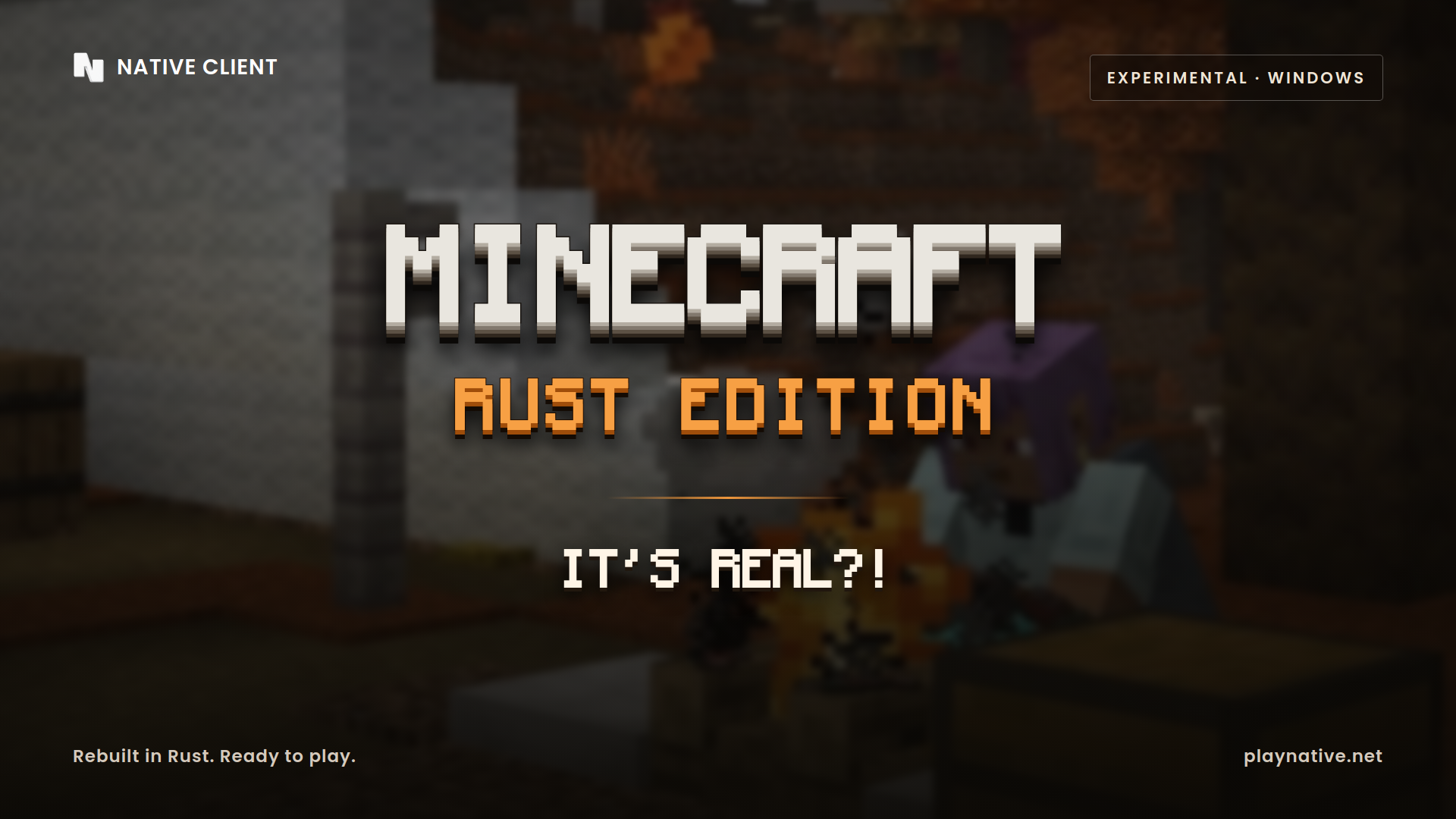
Minecraft Rust Edition is here. Native Client now ships a second way to play: Minecraft Java Edition 26.3 running on an engine written from the ground up in Rust, with the Native HUD, cosmetics, Relay chat and menus built right in. It is free, it is experimental, and you can play it today on Windows from the Native launcher.
If you have been searching for "Minecraft in Rust", a "Rust Edition Minecraft" download or a fast Minecraft client that doesn't need Java, this is it. Here is everything you need to know.
What is Minecraft Rust Edition?
Minecraft Rust Edition is the Native Client version of Minecraft Java Edition 26.3, rebuilt in the Rust programming language instead of Java. You play the game you already know, with the same blocks, the same servers, your own Minecraft account and your own skin, but the game itself runs on a native Rust engine.
The Rust Edition is built on Horizon, an open-source Minecraft client written in Rust and released under the MIT licence. Native adds its own features on top, so it feels like the rest of Native Client from the first screen.
Why a Minecraft client written in Rust?
Minecraft Java Edition runs on the Java Virtual Machine. A Rust Minecraft client is compiled straight to your PC instead:
- No Java to install. The Rust Edition is one native Windows program. The launcher downloads it and keeps it up to date for you.
- Quick to start. There is no Java runtime to warm up before you reach the title screen.
- A modern engine. Rendering, networking and the HUD all run in Rust, which gives us room to make the game smoother over time.
It is an early version, so you will find rough edges. That is exactly why we are shipping it as experimental and asking for your feedback.
What Native adds to the Rust Edition
Everything that makes Native Client feel like Native comes with it:
- The Native HUD. Dozens of HUD modules, including FPS, keystrokes, CPS, armour, potions, coordinates and more, with a drag-and-drop HUD editor. Items in the armour and inventory modules render like real inventory items, durability bars and server resource-pack textures included.
- Your look, in full quality. Skins, animated capes, HD capes and 3D Native cosmetics at their full texture resolution. Every Native player sees them, in the Java Edition and the Rust Edition alike.
- Relay chat in game. Talk to your friends and groups without leaving the game, with message toasts and a Native pause menu.
- A Native multiplayer screen. A server list that looks and works like the one in Java Edition, with full MOTD colours and formatting, and Native dialogs for adding, editing and deleting servers and for Direct Connection.
- Horizon Partnered servers. Servers that partner with the Horizon project have their own Horizon Partnered category in the server list, so they get the credit they deserve.
- Native menus and tools. The Native title screen, Fullbright, a music player, screenshots and the Native mods menu.
- Discord status. Show what you are playing on Discord, with your own privacy choices.
How to play Minecraft Rust Edition
Getting started takes about a minute:
- Download Native Client for Windows and sign in with your Minecraft account.
- On the Home page, open the version picker and choose Native Client · Experimental.
- Press Play. The launcher downloads the Rust Edition, keeps it updated and starts the game.
That's it. Your Native account, cosmetics, friends and settings carry over.
Is Minecraft Rust Edition free?
Yes. The Rust Edition is free in the Native launcher, just like Native Client for Java Edition. You need a Minecraft: Java Edition account to sign in and play, as you do for the normal game.
Can I play on servers with the Rust Edition?
Yes. The Rust Edition plays Minecraft Java Edition 26.3, so it joins the same multiplayer servers as Java Edition. Add your favourite servers in the new server list, or pick one from the Horizon Partnered category.
Is it stable?
Not yet. Minecraft Rust Edition is an experimental build, and some features from the Java Edition version of Native are still on their way. If something breaks, please tell us in the Native Discord: one bug per post, with what you did and what happened. Every report helps us fix it faster.
Prefer the version you know? Native Client for Java Edition isn't going anywhere. It stays our main client, with Fabric, Forge and Quilt mod support on 1.8.9 and on 1.16 through the latest release, and you can switch between both from the same launcher at any time.
Minecraft Rust Edition vs Java Edition
- Engine: the Rust Edition runs on a native Rust engine, and Java Edition runs on Java.
- Version: the Rust Edition plays Minecraft 26.3. Native Client for Java Edition covers 1.8.9 and 1.16 through the newest release.
- Mods: the Rust Edition comes with Native's built-in features. For Fabric, Forge and your own mods, use the Java Edition.
- Platforms: the Rust Edition is on Windows for now. Native Client for Java Edition runs on Windows and Linux.
- Your stuff: your account, skin, capes, cosmetics, friends and Relay chat are the same in both.
Thank you, Horizon
None of this would exist without the Horizon team and its contributors, who built an open-source Minecraft client in Rust and shared it with everyone. Thank you. Native adds its features on top of their work, and their partner servers get their own place in our server list.
Ready to try Minecraft in Rust? Get Native Client, pick Native Client · Experimental and press Play. Find out more on the Rust Edition page, and come say hi in our Discord.